

Your one stop shop for all things Claiming!
Why Claim?
Claiming is especially important to protect your builds from other players. While griefing isn't allowed whether a build is claimed or not, claiming defers griefing more reliably. With claims as well, you can give players specific permissions inside your claim. If you have a friend you want to have full access to your chests and another you aren't super sure of, you can customize each player's permissions to your liking!
How Do I Claim?
The first thing you want to check is your Claim Block Balance. This determines how much you can claim on the server! To earn claim blocks, you can vote for 200 claim blocks per site, play on the server to earn a static amount with playtime, or participate in events!
Once you have your house or claim area figured out, you'll start with typing /claim
Two messages will appear to show you are now in claim mode. No need for a golden shovel!


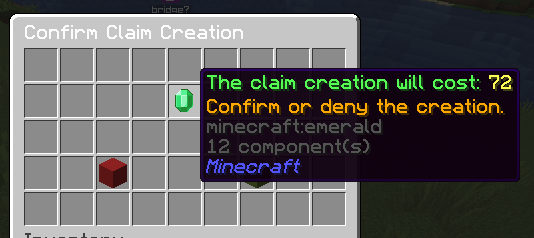
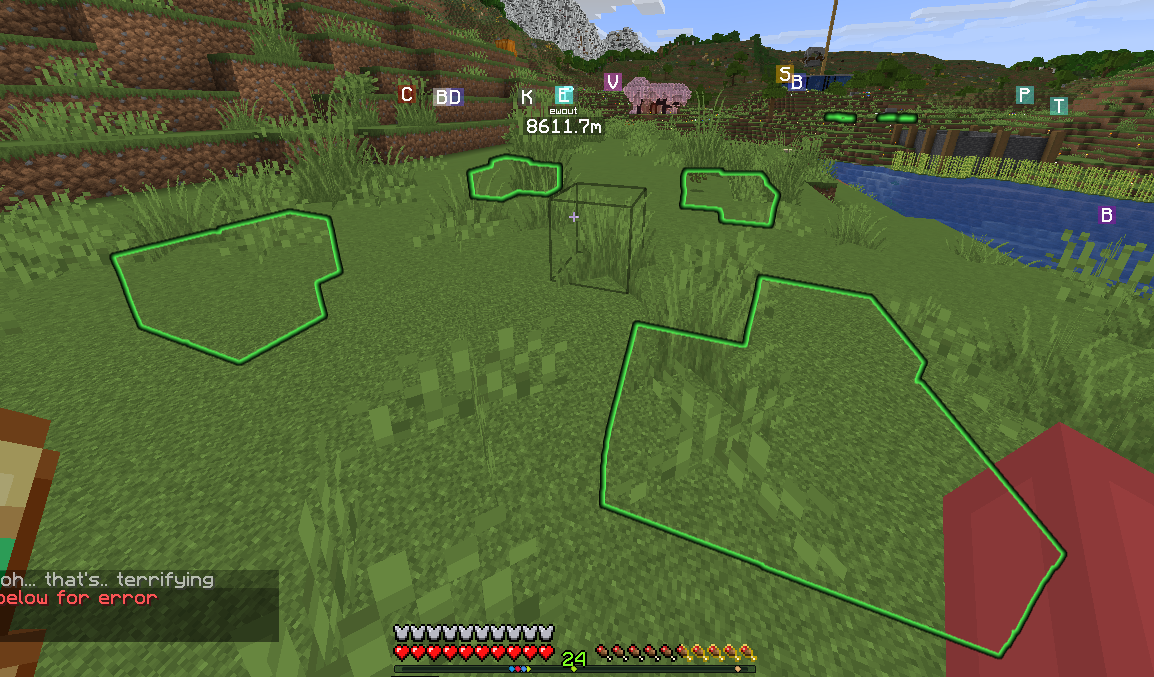
Once in claiming mode, right click one corner of your claim, then the other. This will pop-up a confirmation screen that shows you the cost of the claim as well as a confirm or reject option. Click the confirm button to create the claim.

Adjusting Permissions & Trusting Other Players
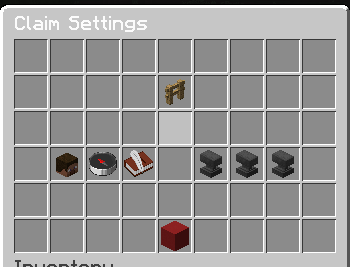
Now that your claim is made, you can start editing the permissions, yippie! To adjust the general permissions for ALL players, stand in your claim and type /claimsettings. From here you can adjust either specific player permissions or the global permissions for the claim. Some additional information will also show for the claim, including a customized join and leave message, claim name, and any subclaim information. You can also delete the claim from here if you'd like!
Another command you can use is /trust [player]. This will bring up a screen that shows you the permissions for that specific player.
Subclaims
Subclaims are smaller claims inside a larger claim. These are useful when setting up towns or markets and act the same way as normal claims. The main commands are /subclaim which will allow you to right click the two corners to create the subclaim. From there, you can do /subclaimsettings or /subclaimtrust to trust individual players!
Advanced Claiming
There are some advanced claiming features that you likely wouldn't run into on the day to day. These include:
- /claimtransfer - transfer the claim to another player
- /claimeject - eject a player from your claim (Diamond+ Rank Perk)
- /claiminfo - list all of the current permissions and information for the claim
- /show claims - show all claim borders on the server
- /show subclaims - show all subclaim borders on the server
- /hideclaims - hide all claim borders